
IPTV Installation Guide – Easy IPTV Setup for All Compatible Devices

Setting up your IPTV service should be simple, whether you are using a Smart TV, Fire TV Stick, Android TV, Apple TV, smartphone, tablet, Windows PC, or another compatible device. This IPTV Installation Guide provides clear setup instructions to help you activate your subscription and start streaming as quickly as possible.

Our IPTV UK Setup Guide is designed for both beginners and experienced users. Each installation method follows the recommended process for the specific device, making it easier to configure your IPTV service without unnecessary complications.

Whether you are installing IPTV for the first time or setting up your subscription on a new device, this guide covers the supported platforms and explains how to begin streaming in just a few simple steps.
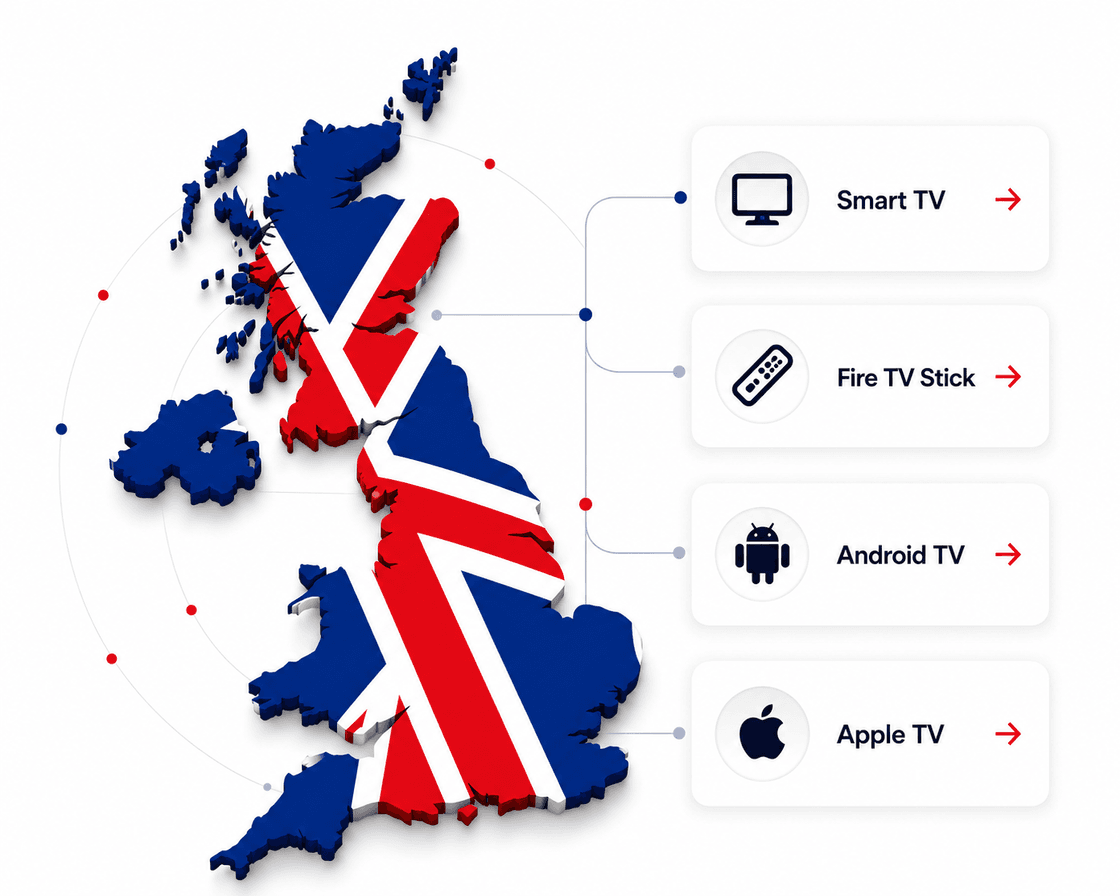
Select Your Device and Start Your IPTV Setup
IPTV Installation Guide – Easy IPTV Setup for All Compatible Devices
Easy device configuration
Dedicated technical support when required
Quick IPTV activation

Before You Start Your UK IPTV Installation

Before beginning the IPTV installation process, make sure you have everything required for a successful setup. Having the correct information ready will help you complete the installation more quickly and avoid unnecessary delays.

What You Will Need

Before installing IPTV UK, please ensure you have:

  • An active IPTV subscription
  • Your IPTV login details
  • Username and password (if applicable)
  • Portal URL or activation information (when required)
  • A stable internet connection
  • A compatible streaming device

Some IPTV applications may also require a Device ID, MAC Address, or activation code. If your selected application requests this information, simply send it to our support team and we will provide the required activation details.

Compatible IPTV Devices

Our IPTV service supports a wide range of devices, including:

No matter which supported device you use, the setup process is designed to be straightforward and user-friendly.

Quick Help

Common IPTV Installation Problems & Simple Solutions

Most IPTV installations are completed within a few minutes. However, depending on the device, application, or internet connection, you may occasionally encounter setup issues. The good news is that most problems can be resolved quickly by checking a few common settings.

Incorrect Login Details

If your IPTV application displays an authentication or login error, carefully check that your username, password, Portal URL, or activation details have been entered exactly as provided.

If the issue continues, contact our support team to confirm your account information.

IPTV App Is Not Loading

If the IPTV application does not open correctly:

  • Restart your device.
  • Confirm that the application is fully installed.
  • Check that your internet connection is active.
  • Make sure you are using the recommended IPTV application for your device.

Buffering or Playback Interruptions

Streaming quality depends on both your internet connection and device performance.

To improve playback:

  • Use a stable internet connection.
  • Close unnecessary background applications.
  • Restart your streaming device if needed.
  • Verify that your network is performing normally.

No Channels or Content Appearing

If channels or content do not load:

  • Confirm your IPTV account is active.
  • Refresh the application if supported.
  • Restart the IPTV player.
  • Contact support if activation needs to be verified.

Device Activation Required

Some IPTV applications require a Device ID, MAC Address, or activation code before streaming begins.

Simply send the requested information to our support team and we will complete the activation process for your device.

Helpful Guide

IPTV Installation Tips for the Best Streaming Experience

Following a few simple recommendations can help you enjoy a smoother IPTV experience from the beginning.

1

Use a Reliable Internet Connection

A stable internet connection helps reduce interruptions and improves overall streaming quality.

2

Keep Your IPTV Application Updated

Installing the latest version of your IPTV player helps maintain compatibility and performance.

3

Use Supported IPTV Applications

For the best experience, use the recommended IPTV applications listed in this guide for your specific device.

4

Enter Your Account Details Carefully

Double-check your IPTV login details before completing setup to avoid unnecessary activation issues.

5

Contact Support If You Need Assistance

If you are unsure about any installation step, our technical support team is available to help guide you through the process.

Need Help?

Our technical support team is available 24/7 to assist you with any setup or activation issues.

FAQs

Frequently Asked Questions About IPTV Installation

Choose your device from this guide, install the recommended IPTV application, and enter the login or activation details provided with your subscription. The exact steps vary slightly depending on the device.

Need Help Completing Your IPTV Setup?

Every device is different, but the goal is always the same—getting you connected quickly so you can start enjoying your IPTV subscription.

If you experience any difficulties during installation, our support team is available to help with:

  • IPTV activation
  • Device setup
  • Login assistance
  • Application recommendations
  • Device configuration
  • General troubleshooting

We are committed to making your IPTV installation process as smooth and straightforward as possible.

Contact Our Support Team

Need assistance? Reach out to our team for fast IPTV installation and setup support so you can start streaming with confidence.